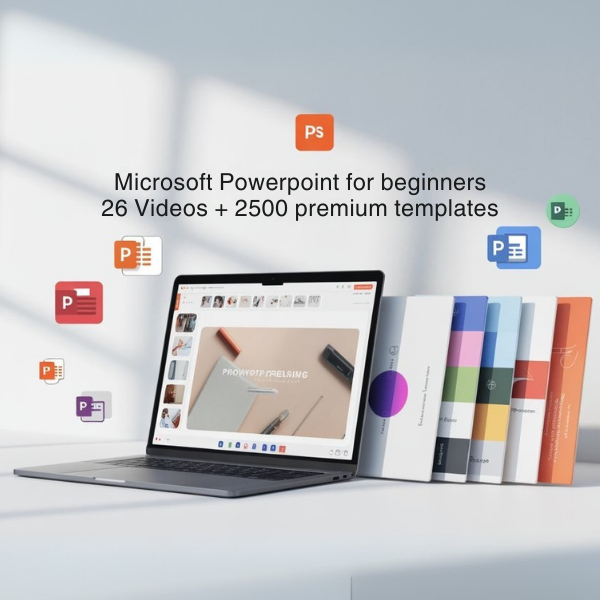
Microsoft PowerPoint beginner video course
The Microsoft PowerPoint beginner video course includes 26 comprehensive videos and a bundle of 2500 premium templates, designed to help you create stunning presentations effortlessly. This course serves as a practical guide for those new to PowerPoint, enabling users to develop their presentation skills effectively.
Benefits- Access to 26 engaging video tutorials that simplify the learning process.
- 2500 premium templates to enhance your presentations and save time.
- Step-by-step guidance on using PowerPoint features effectively.
- Improved confidence in creating professional-looking slides.
- Ability to create impactful presentations for various audiences.
This course is structured around a series of video lessons that take you through the essential features of Microsoft PowerPoint. Each video is designed to be concise and easy to follow, covering everything from basic functions to advanced design techniques. You'll learn how to utilize the provided templates, ensuring your presentations are not only functional but also visually appealing.
How to use / application practiceTo get started, simply enroll in the course and begin watching the videos at your own pace. Use the templates to practice creating your own presentations, applying the tips and techniques learned in each lesson. This hands-on approach will solidify your understanding and allow you to create presentations that stand out.
For whom it is indicatedThis course is ideal for students, professionals, and anyone looking to improve their presentation skills. Whether you are preparing for a school project, a business meeting, or a conference, this course provides the tools you need to deliver your message effectively.
Differentials of the productUnlike other training resources, this course combines video tutorials with an extensive library of templates, making it easier for beginners to create professional presentations without prior experience. The structured approach ensures that users can learn at their own pace while having access to valuable resources.
Problems it solvesThis course addresses common challenges faced by beginners, such as navigating PowerPoint's interface, designing engaging slides, and conveying information clearly. By providing both instructional content and practical templates, it helps users overcome these hurdles efficiently.
Technical characteristicsThe course includes 26 video lessons, each tailored to cover specific aspects of PowerPoint. Additionally, the 2500 templates are categorized for easy access, allowing users to find the right design for their needs quickly.
FAQ- What topics are covered in the video course? The course covers basic to advanced PowerPoint features, including slide design, animations, and template usage.
- Are the templates included in the course customizable? Yes, all templates are fully customizable to fit your presentation needs.
- How long do I have access to the course? Once enrolled, you'll have lifetime access to the course materials.
- Can I use this course for professional development? Absolutely! This course is designed for anyone looking to enhance their presentation skills, including professionals.
- Is prior experience with PowerPoint necessary? No prior experience is required. This course is tailored for beginners.
Ready to enhance your presentation skills? Enroll in the Microsoft PowerPoint beginner video course today and start creating stunning presentations with ease!



Siga nosso instagram

